Documentation
HireLane docs
Everything here describes the product as it actually behaves. Where a rule is deterministic, the rule is stated exactly.
Getting started
HireLane needs no account. Open the studio and the workspace is ready; it lives in your browser's local storage from the first search.
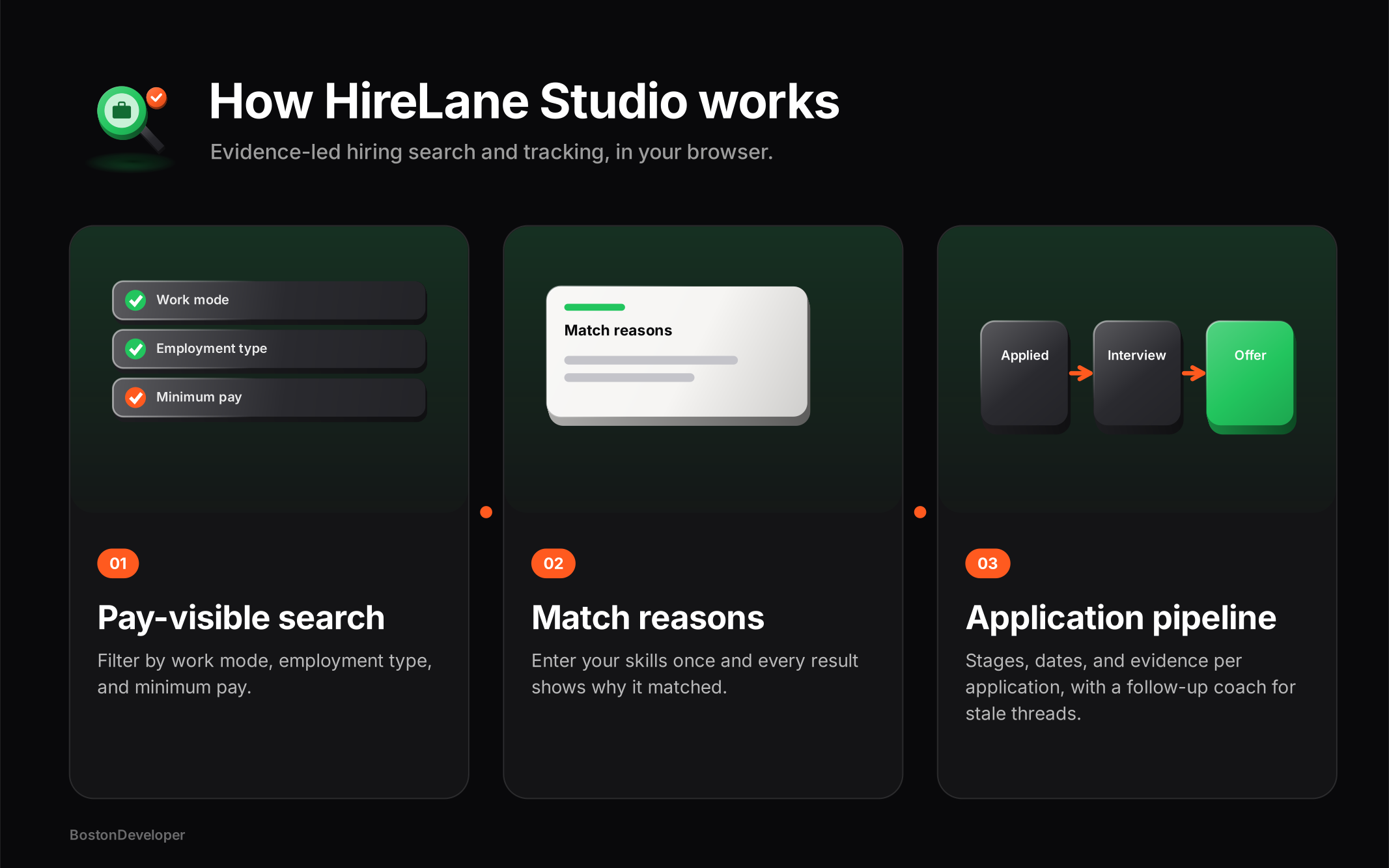
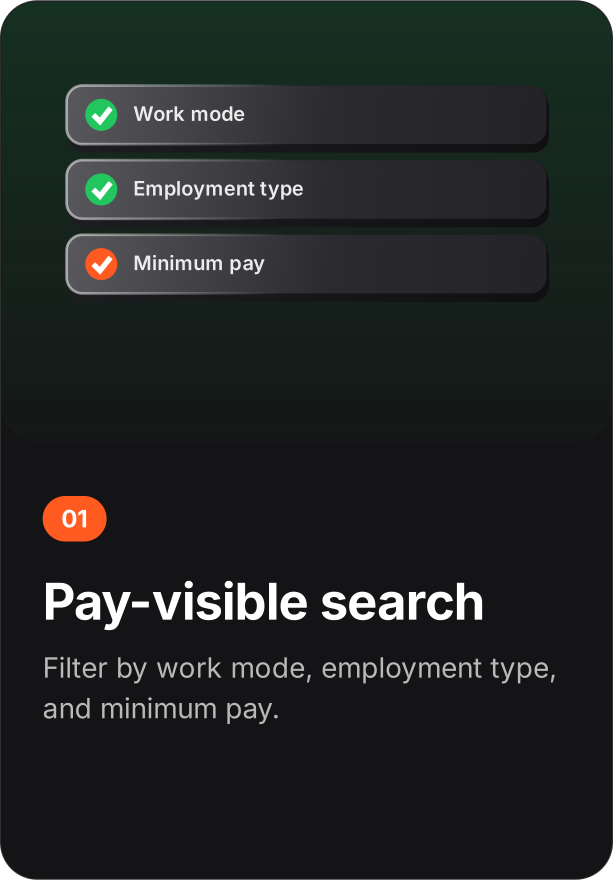
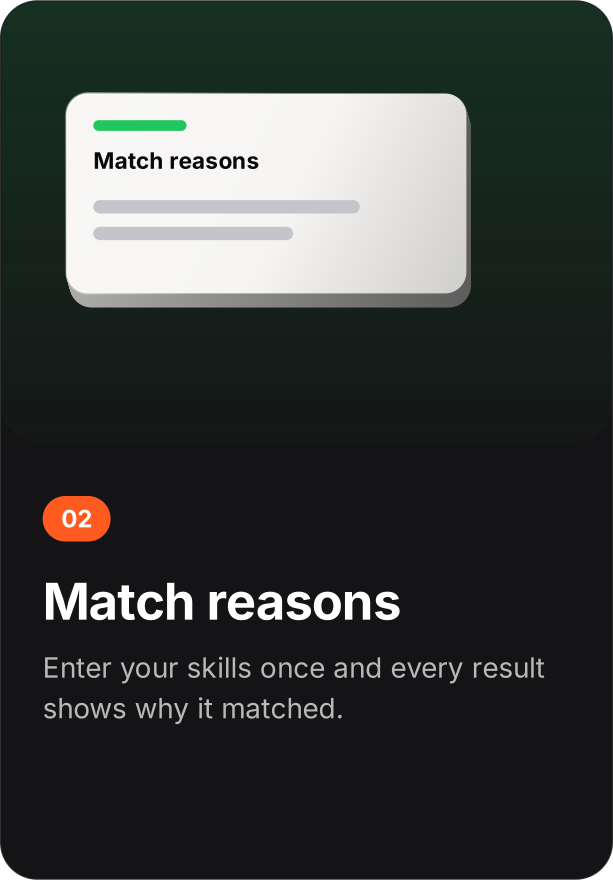
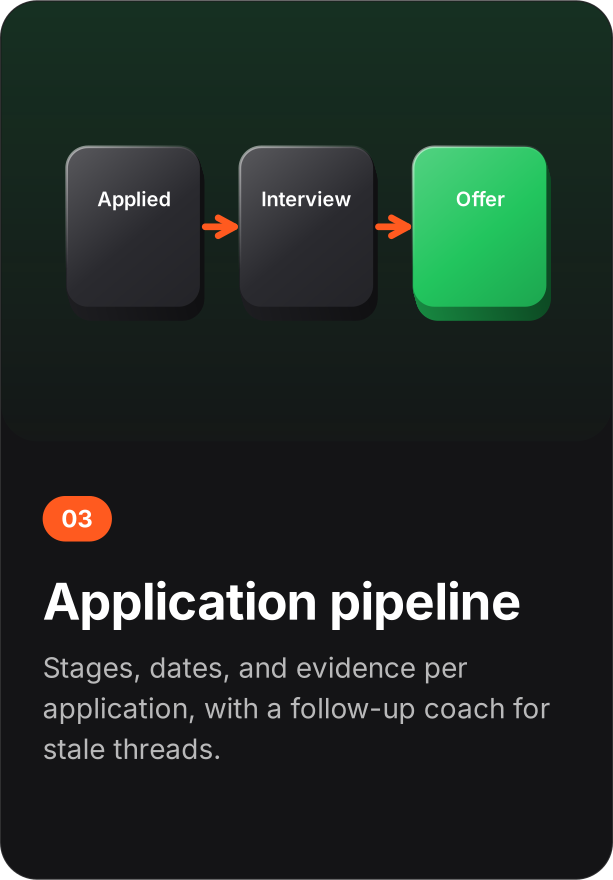
Search openings
Filter by role, location, minimum pay, work mode (remote, hybrid, on-site), and employment type. Every listing carries pay, so the filter works.
Add your evidence skills
Enter the skills you can demonstrate and update match reasons. Every result now shows why it matched you.
Save roles and alerts
Shortlist the openings worth pursuing; save any search as an alert to catch new matches.
Track the pipeline
Move each application through its stages, attach an evidence packet, and let the follow-up coach flag threads that go stale.
Concepts
Listing - an employer-provided opening with compensation, work mode, and requirements as structured fields. Evidence skills - the skills you can demonstrate, used to compute match reasons. Match reason - the visible explanation of why a listing matched your skills. Alert - a saved search that surfaces new matches. Application - a tracked pursuit of one listing, moving through stages with dates and an evidence packet. Evidence packet - the resume version, links, and notes attached to one application. Quality gate - the completeness check every employer listing passes before publishing.
Search and filters
Filters: role or skill text, location, minimum pay, work mode (Remote, Hybrid, On-site), and employment type (Full-time, Contract). Sort orders: newest, highest pay, best evidence match. There is no promoted slot and no other ranking input - those three orders are the whole list.
Match reasons
Match reasons compare your evidence skills against the skills a listing asks for and display the overlap on every result card. Updating your skills recomputes the reasons immediately. If you disagree with a match, the reasons tell you exactly where the disagreement is.
Shortlist and alerts
Saving a search stores the query, filters, and minimum pay as a named alert. Running it again surfaces listings that match now - including ones added since you last looked. The shortlist is a local working set: it is never transmitted and never visible to employers.
Pipeline and follow-ups
Each application tracks its stage and how many days it has spent there. The follow-up coach flags stale applications and prepares copy-ready follow-up drafts - you send them yourself, from your own mail. Pipeline rates (screen-to-interview, interview-to-offer, and so on) are computed from your recorded history only; with no history, the studio says so instead of inventing numbers.
Employer desk
Employers draft listings locally. The quality gate requires real compensation, a structured work mode, and concrete requirements before a listing can publish - which is exactly why the job-seeker filters can work. Company profiles carry the information an applicant needs to decide. Drafts stay local until published.
Data formats
The whole workspace - searches, alerts, shortlist, applications, packets, employer drafts - exports as a single JSON file. Import restores it exactly. There is no partial export and no server-side copy.
Privacy
No analytics, no session recording, no third-party pixels. No external application is ever sent from the studio. The only network requests are fonts and the static files of the site itself. Deleting the workspace is immediate and total, because the data only ever existed in your browser.